
TL;DR:
- Securing forex trade copying requires regulation verification, account protections, and tight access controls.
- Regular VPS hardening and routine security reviews significantly reduce cyber risks and account breaches.
- Implementing strong passwords, multi-factor authentication, and using industry-leading software enhance overall security.
Trade copying across MetaTrader 4, MetaTrader 5, and DXTrade has become one of the most efficient ways to manage multiple forex accounts at once. But as your setup scales, so do the attack surfaces. Attackers look for the weakest link, and in most retail forex setups, that link is not your broker — it is your own habits and infrastructure. Credential stuffing, unauthorized withdrawals, and exploited VPS environments cause real losses every year. This checklist gives you a structured, proven path to secure every layer of your trade copying operation, from broker verification to VPS hardening, so you can copy trades with confidence.
Key Takeaways
| Point | Details |
|---|---|
| Check broker regulation | Always verify your broker is licensed by a recognized authority and confirm via regulator databases. |
| Use layered account protection | Enable two-factor authentication and restrict withdrawals to secure your trading accounts from unauthorized activity. |
| Harden VPS environments | Protect your trade copying setup by changing default ports, enabling firewalls, and avoiding insecure software. |
| Make security routine | Regularly review and update all protections; effective account security is an ongoing process. |
Verify broker regulation and account protections
Your security checklist starts before you place a single trade. The broker you choose either supports your defense or undermines it from day one. Many traders skip this step entirely, assuming that if a broker has a professional-looking website, they must be legitimate. That assumption has cost traders millions.
Regulation is your first shield. You should verify broker licenses directly on the register of top-tier authorities like the FCA (UK), ASIC (Australia), or CySEC (Cyprus). Do not take the broker’s word for it. Every major regulator publishes a searchable database where you can confirm a license number in under two minutes. If the broker is not listed, stop there.
Beyond the license itself, two account-level features matter most for your protection:
- Segregated client funds: Your deposit is held separately from the broker’s operating capital. If the broker goes bankrupt, your funds are not used to pay creditors.
- Negative balance protection: You cannot lose more than your deposited amount, even during extreme market moves. You should confirm these account features before making any deposit.
- Transparent fee structure: Hidden spreads and rollover fees are a red flag for dishonest operations.
- Published complaint history: Search the regulator’s enforcement actions database for your broker’s name.
The forex account management benefits of working with a properly regulated broker extend beyond legal protection. Regulated brokers are also required to maintain minimum capital requirements and submit to regular audits, which reduces operational risk.
“A regulated license means nothing if you never verify it. Spend two minutes on the regulator’s website. That single action separates informed traders from vulnerable ones.”
Pro Tip: When vetting a new broker, cross-reference their license number directly on the regulator’s official website. For FCA-regulated brokers, use the FCA Financial Services Register. For ASIC, search ASIC Connect. For CySEC, use the CySEC regulated entities list. Two minutes of direct verification is more reliable than any secondary checklist.
Common red flags when assessing broker claims include promised returns, pressure to deposit quickly, bonuses that lock your withdrawal rights, and vague regulatory disclosures. Use the risk management strategies framework to assess whether a broker’s offering aligns with sound trading principles before committing capital.
Enable multi-factor authentication and withdrawal controls
Once your broker’s protections are confirmed, lock down all points of access to your trading accounts. This is where most retail traders leave the biggest gaps. A regulated broker and strong market knowledge mean nothing if someone else logs into your account.
Here is a step-by-step process to harden account access:
- Create a unique, strong password for each trading account. Use at least 16 characters, mixing uppercase, lowercase, numbers, and symbols. Never reuse passwords across platforms.
- Enable two-factor authentication (2FA) or MFA on every account that supports it. 2FA blocks the vast majority of automated account takeover attempts, making it one of the highest-impact security steps you can take.
- Set up IP whitelisting for withdrawals. Most regulated brokers allow you to restrict withdrawals to specific IP addresses or pre-approved bank accounts. Whitelist withdrawal IPs in your broker’s settings immediately after account opening.
- Review login history weekly. Most trading platforms log every login attempt with IP address, device, and timestamp. A 30-second weekly review can catch unauthorized access before damage occurs.
- Enable email or SMS notifications for every login, trade, and withdrawal request. If you did not initiate it, you will know instantly.
“Regulation provides a baseline, but your personal security habits are what actually prevent most account breaches. The responsibility does not end with broker selection.”
Understanding the terminology inside your account portal matters too. If terms like “investor password,” “master password,” or “read-only access” are unclear, reviewing resources to understand forex account terms can prevent costly misconfigurations. For example, some account managers accidentally share master passwords instead of investor-only passwords, giving clients far more access than intended.
Pro Tip: Use a password manager to generate and store unique credentials for every trading account, broker portal, VPS login, and email address tied to trading. The time it saves is secondary to the protection it provides.
Harden your VPS and trade copying environment
With account logins secured, it is critical to protect the trade copying infrastructure itself. Your VPS is where your trade copier software runs continuously. If it is compromised, an attacker can manipulate trades, steal credentials stored in terminals, or disable your entire copying operation without you knowing.
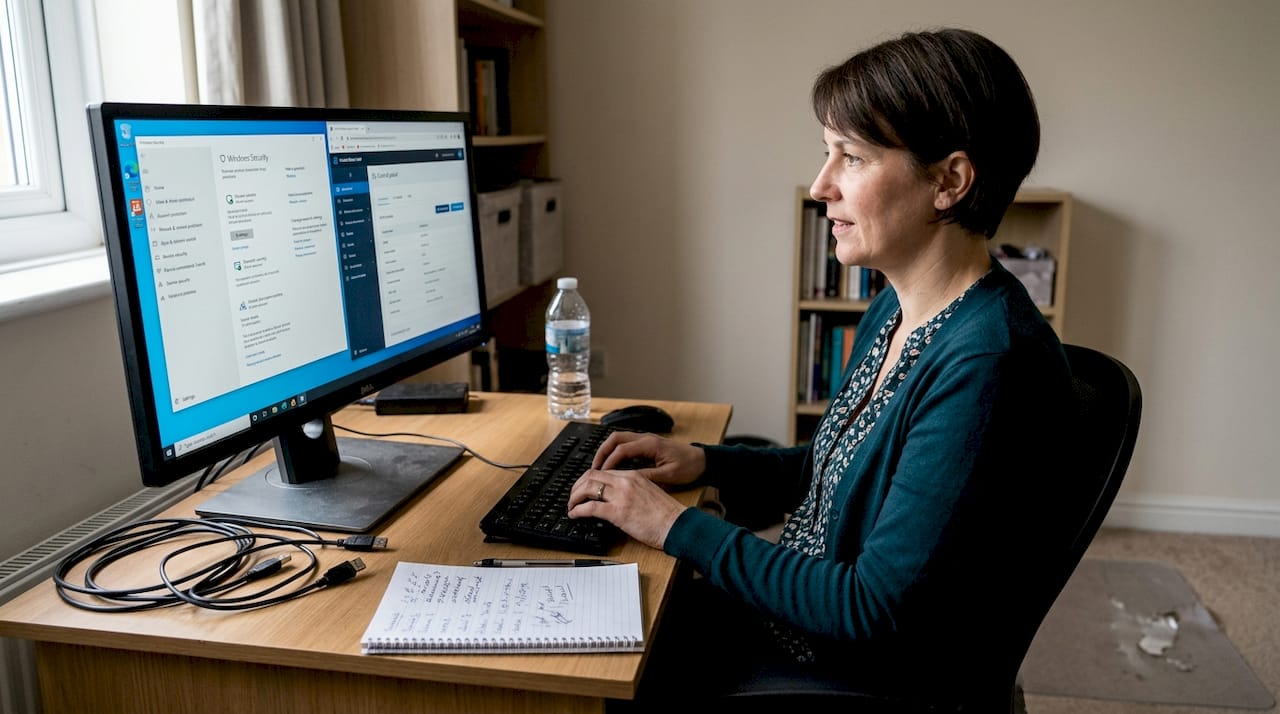
User secures VPS for forex trade copier
The danger starts with default settings. Most VPS providers ship servers with default remote desktop ports, no firewall rules, and generic admin usernames. Leaving these defaults in place is like locking your front door but leaving the back door wide open.
| Security Action | Risk Addressed | Difficulty |
|---|---|---|
| Change default RDP port | Blocks automated port scanners | Low |
| Enable Windows firewall | Prevents unauthorized inbound connections | Low |
| Use strong unique VPS password | Blocks brute-force login attempts | Low |
| Disable unused services | Reduces attack surface | Medium |
| Auto-update OS and software | Patches known vulnerabilities | Low |
| Avoid cracked or unverified EAs | Eliminates backdoor malware risk | Low |
The most impactful single action is changing your default RDP port. Automated scanners target default port 3389 continuously using botnets, and moving to a non-default port removes your VPS from the bulk of that automated scanning traffic immediately.
For a secure multi-account setup, your environment should follow these non-negotiable rules:
- Never install cracked or pirated Expert Advisors. Many contain keyloggers or remote access trojans that activate silently.
- Use a dedicated VPS for trading only. Do not browse the web, check email, or install unrelated software on it.
- Apply all operating system updates within 48 hours of release.
- Set up a separate Windows user account with limited permissions for running your trade copier. Do not run it under the admin account.
A good resource for understanding the full scope of your setup is the forex trade copying guide, which covers both performance and security considerations in depth.
For trade copier security specifically, quarterly reviews are essential. Security is not a one-time configuration. Software ages, vulnerabilities emerge, and your setup evolves. Treating it as “set and forget” is how breaches happen months after initial setup.
Pro Tip: Schedule a calendar reminder every 90 days titled “VPS Security Review.” Check for software updates, review firewall logs, rotate your VPS password, and confirm your EA files have not been modified.
Create your end-to-end forex trading security checklist
To deepen your security, consolidate these layers into a routine checklist for both daily and strategic defense. A checklist only works if it is specific, actionable, and actually used.
Here is how the three approaches compare:
| Security Level | Actions Taken | Realistic Risk Level |
|---|---|---|
| None | Default settings, one password | Extremely high |
| Basic | Regulated broker, 2FA enabled | Moderate |
| Advanced | Full checklist below, quarterly reviews | Low |
Your end-to-end security checklist:
- Confirm broker is regulated by FCA, ASIC, or CySEC and verify license directly on the regulator’s site.
- Confirm segregated funds and negative balance protection are offered.
- Create a unique, 16-plus-character password for every account and store it in a password manager.
- Enable 2FA on the broker portal, trading platform, email, and VPS remote access.
- Whitelist withdrawal IPs and bank destinations in your broker’s settings.
- Change the default RDP port on your VPS and enable the Windows firewall.
- Install only verified, licensed Expert Advisors on your VPS.
- Review login history and account notifications weekly.
- Apply OS and software updates within 48 hours of release.
- Schedule quarterly security reviews to audit all of the above.
The trade copying best practices reinforced by this checklist are not theoretical. 2FA alone blocks the vast majority of automated account takeover attempts. Combined with VPS port hardening that removes your server from automated scanning traffic, the advanced tier of this checklist represents a substantially lower risk profile compared to doing nothing or applying only basic measures.
The checklist is not a one-time event. Quarterly reviews are how you keep it current as your setup grows.
Why most forex security advice fails in real life
Here is something we have observed across thousands of traders using our platform since 2010: most people read a checklist, nod in agreement, and then do nothing. Not because they are careless, but because security feels abstract until something goes wrong.
The most dangerous belief in retail forex is “my broker is regulated, so I am safe.” Regulation protects you from broker fraud. It does nothing to prevent your own credentials from being stolen, your VPS from being hijacked, or your EA from running a hidden malicious function. Those are your responsibility.
The second common failure is treating security as a setup task. Traders harden their VPS once and never revisit it. Six months later, the OS has unpatched vulnerabilities, the EA files have not been verified, and the password has been reused across three platforms. That is not a secured environment. That is a false sense of security, which is arguably more dangerous than having no security plan at all.
Resources like improving MT4 VPS performance also touch on stability and uptime, which are security-adjacent concerns. A slow or unstable VPS is more likely to be misconfigured in ways that create vulnerabilities.
Security is a habit, not a checklist item. The traders who avoid breaches are the ones who make periodic review a non-negotiable part of their routine.
Secure your trade copying with industry-leading solutions
Ready to take the next step toward robust security? Implementing the checklist above is far easier when your trade copying software is designed with security in mind from the start.
Local Trade Copier runs entirely on your local Windows machine or VPS, with no cloud routing and no external servers handling your trade data. That means one IP address, no third-party latency, and no exposure from cloud-based transmission. The platform supports enhanced copier security by operating within MetaTrader’s existing password architecture (including the separation of investor-only and master account passwords) alongside strong VPS setup recommendations. For prop firm traders and account managers, the MT4/MT5 copier safety improvements page outlines specific features designed to reduce risk at every layer of your setup. Start your 7-day free trial and copy trades securely across MT4, MT5, and DXTrade today.
No security practice eliminates risk entirely. The steps in this checklist significantly reduce exposure to the most common attack vectors (credential theft, VPS compromise, and broker fraud) but cannot guarantee protection against all threats. Traders remain responsible for ongoing vigilance, and the implementation of these steps should be adapted to individual setups and broker requirements.
Frequently asked questions
What is the most critical step in securing a forex trade copying account?
Using regulated brokers from top-tier authorities like FCA, ASIC, or CySEC combined with enabling multi-factor authentication gives you the strongest foundational protection for any trade copying account.
How can I protect my VPS used for trade copying?
Change default RDP ports, enable firewalls, avoid cracked EAs, and schedule quarterly security reviews to maintain a hardened VPS environment with minimal brute-force exposure.
Is negative balance protection standard for all brokers?
No. You must confirm negative balance protection along with segregated client funds directly with your broker before depositing, as this feature varies by jurisdiction and broker type.
Why does 2FA matter for forex account security?
2FA blocks most automated account takeover attempts, making it one of the single most effective personal security practices any forex trader or account manager can implement immediately.
Recommended
- Trade copier security: protect accounts & minimize risks
- Benefits of Forex Account Management | Local Trade Copier
- Forex signal copying: secure multi-account management
- The Definitive Guide to Forex Trade Copying
Audit Report — Forex Trading Security Checklist: Protect Accounts & Copy Safely
